Detailed charts with many symbols are easier to return to when progress can be tracked between sessions.
Find patterns that are easier to manage digitally.
Pattern Keeper-friendly PDFs can help stitchers track progress, search symbols, and stay organized on detailed cross-stitch projects. Use this page to choose designs that fit that workflow.
Why these pages convert
Visitors searching for Pattern Keeper are already thinking about buying and stitching digitally. That makes them higher-intent than casual browsers.
Look for the Pattern Keeper-friendly PDF note before checkout, then save every included file after purchase.
The free project card helps record fabric, floss, size, and WIP notes outside the app.
Pattern Keeper-friendly product picks
These products include a Pattern Keeper-friendly PDF field in the catalog data. Compatibility can depend on the app and device, so the product page remains the best place to confirm current file notes.
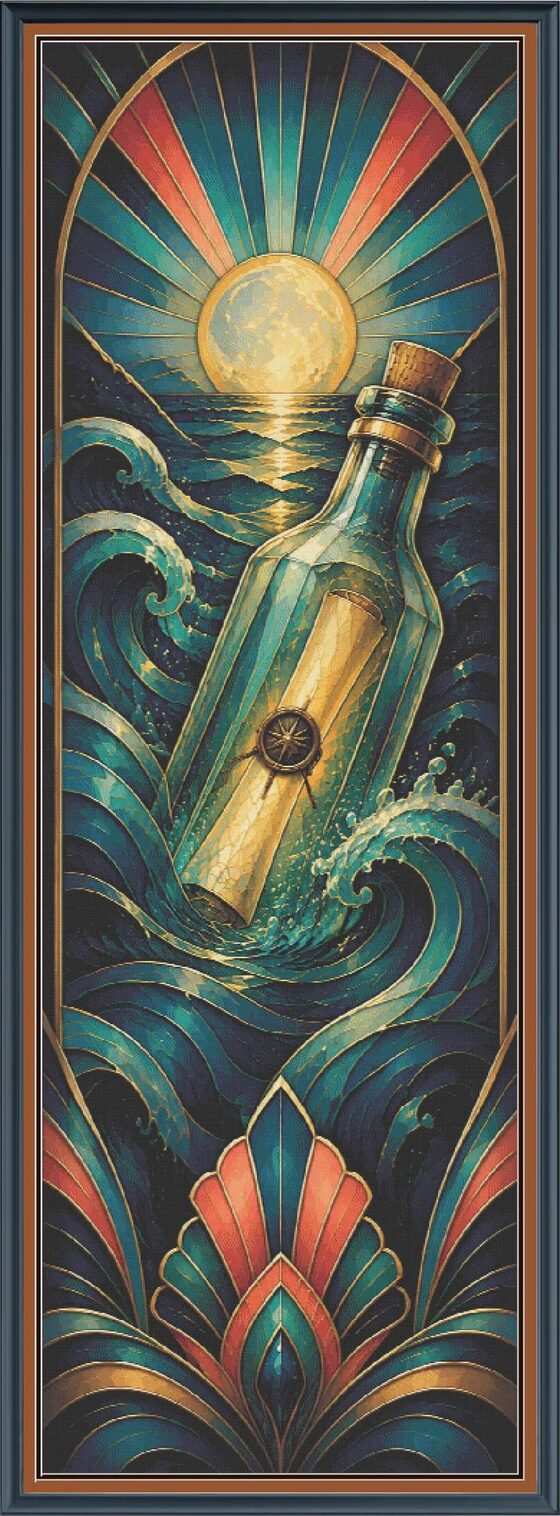
Message In A Bottle
A tall nautical Gilded Ocean release with message-in-a-bottle storytelling and coastal detail.
View compatible pick
Gilded Siren
A tall, detailed siren-inspired design that benefits from digital symbol tracking.
View compatible pick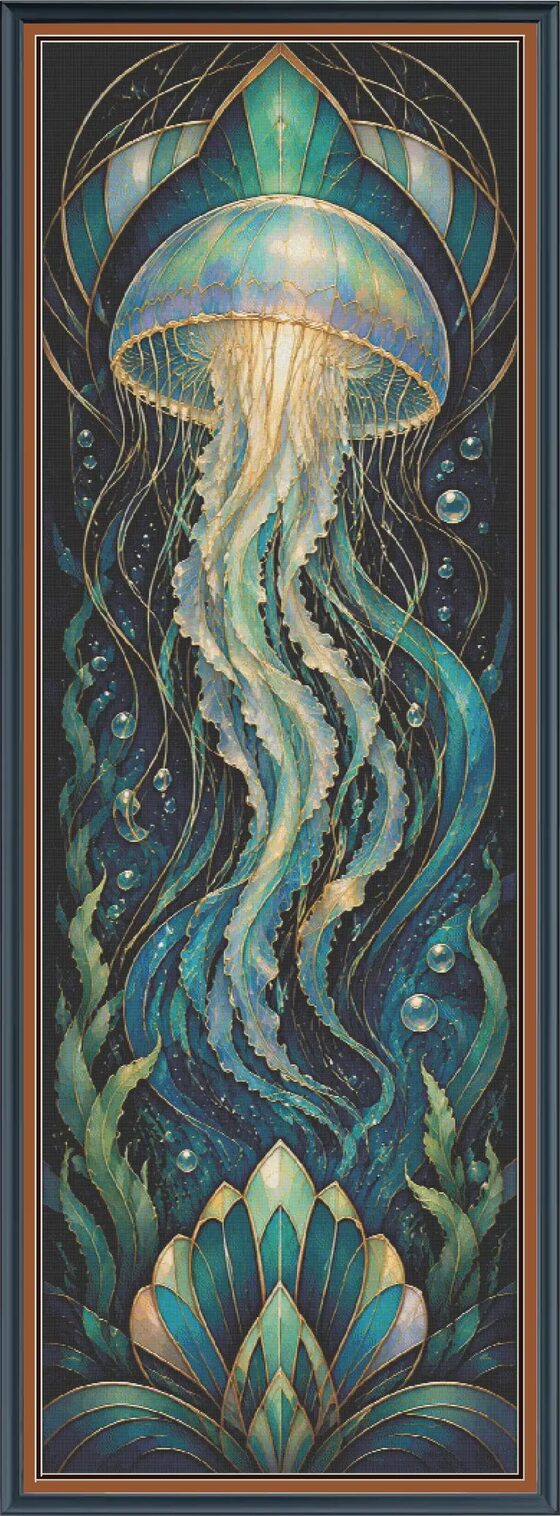
Jellyfish Glow
A dramatic jellyfish design with rich color movement and tall-format stitching.
View compatible pick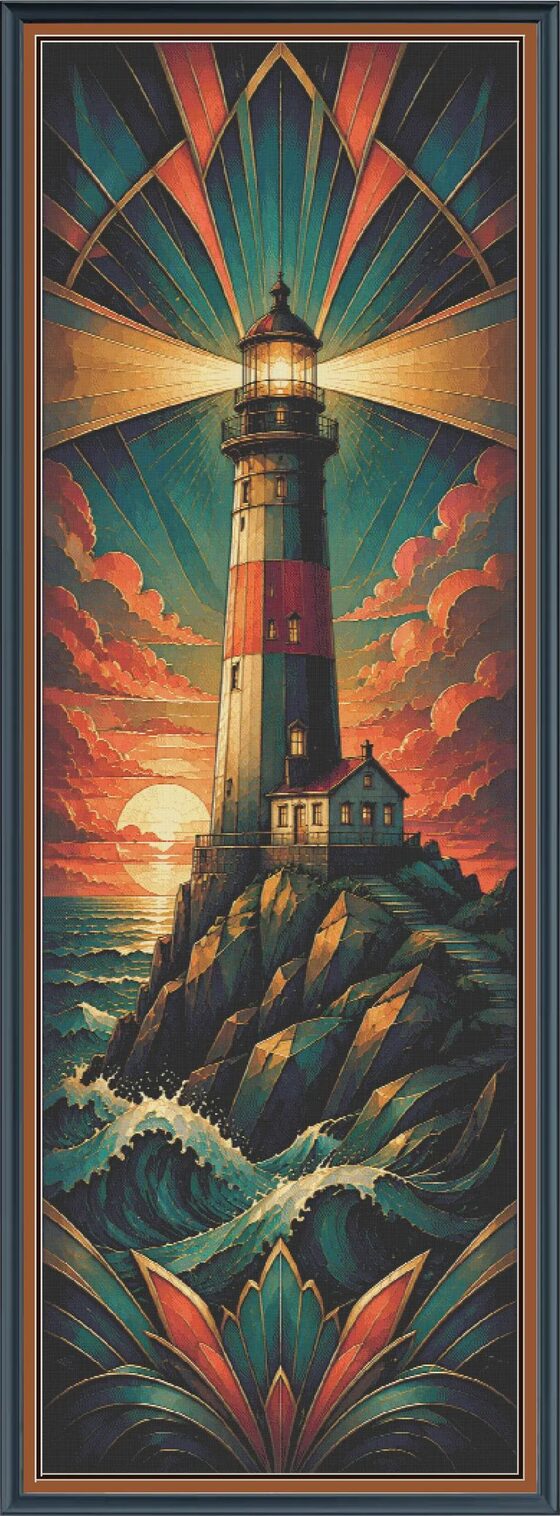
Lighthouse Beacon
A lighthouse statement pattern for stitchers who like coastal detail and long-term WIPs.
View compatible pick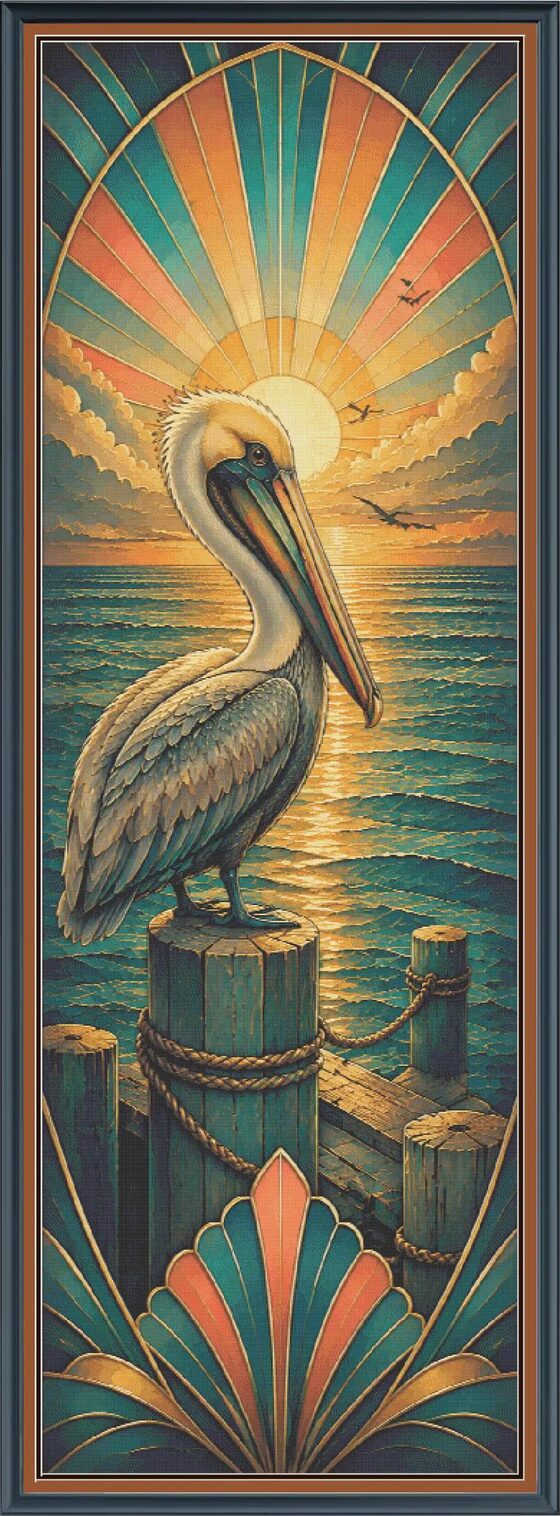
Coastal Pelican
A coastal bird design with jewel-toned detail from the Gilded Ocean Series.
View compatible pick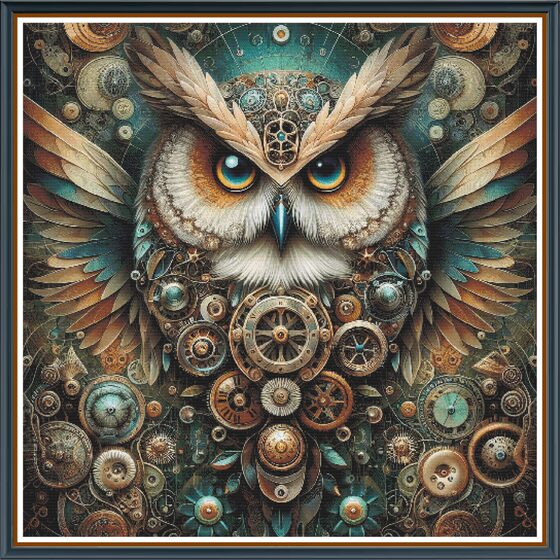
Sampson Owl
A detailed owl pattern for stitchers who prefer animal art and darker full-coverage style projects.
View compatible pick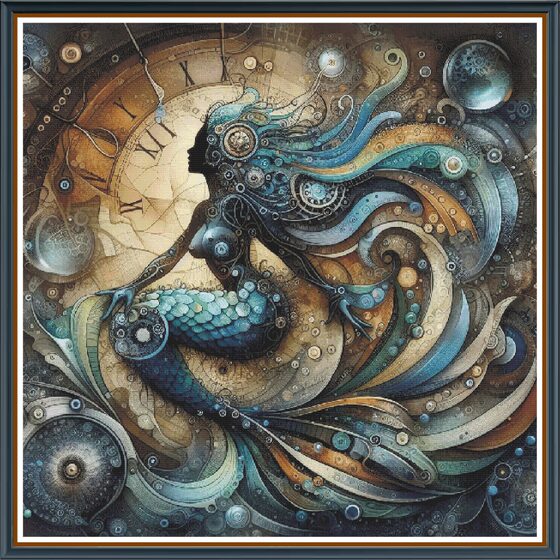
Mermaid of Time
A large mermaid fantasy design where digital progress tracking can help over many sessions.
View compatible pickHow to choose a digital chart
Check the file note
If a Pattern Keeper-friendly PDF is included, keep it with the standard PDF. The standard version is useful for backup, printing, and reference.
Match the chart to your stitching habits
Digital tracking is especially useful if you stitch in short sessions, rotate several WIPs, or work on large patterns with many colors.
Pattern Keeper questions
It means the product includes a Pattern Keeper-friendly PDF option when listed on the product page. Pattern Keeper is a third-party app, so always check your device and app setup.
Large patterns, full-coverage style projects, detailed fantasy designs, and charts with many colors often benefit most from digital progress tracking.
Yes. Save all included files after checkout. The standard PDF is useful for printing, backup reference, or stitching outside the app.
Choose a pattern that fits your stitching routine
Lead them from Pattern Keeper education to compatible products, then to the free project card. That gives them confidence before the cart and a reason to join the email list even if they are not ready today.